
PC gaming is playing video games on a personal computer built around a dedicated graphics card, which gives you control over performance, settings, and a game library far larger than any console. A gaming PC pairs a strong graphics card with a capable processor, fast memory, and good cooling to render games at high frame rates and resolutions. You can buy one prebuilt or build it yourself, tune it for your monitor, and pick from tens of thousands of games across stores like Steam. This hub is the broad map of PC gaming and links out to a focused guide for every part, setting, and topic below.
Why Play on PC, and What Is a Gaming PC?
A gaming PC is a computer built around a dedicated graphics card and components tuned to run games at high frame rates and resolutions. What it offers over a console is control: higher and uncapped frame rates, free online play, mods, a much larger and cheaper game library, and a machine you can upgrade part by part instead of replacing whole. The cost is more upfront decisions and setup. The guides below cover that first fork, deciding what a gaming PC is and whether it suits you.
Once the form factor is settled, the next choice is whether to build the machine or buy it assembled. Weigh that in prebuilt vs custom gaming PC, sanity-check the decision against is PC gaming worth it, and set a realistic figure with how much a gaming PC costs before you spend.
The Core Parts of a Gaming PC
A gaming PC is the sum of a few parts that must be balanced, because the weakest one limits the whole system. The graphics card has the largest effect on gaming performance and takes the biggest share of the budget. The parts below are the ones that matter most.
- Graphics card (GPU). Renders the game and sets the frame rate and resolution the system can reach. It is the most important part for gaming and the most expensive.
- Processor (CPU). Handles game logic, physics, and feeding the GPU. It must be matched to the GPU so neither one waits on the other.
- Memory (RAM). 32GB of DDR5 is the comfortable target for a modern build; capacity matters more than raw speed.
- Storage. A fast NVMe SSD cuts load times and is the standard boot and game drive.
- Power supply and cooling. A correctly sized supply and good airflow keep the parts fed and stop thermal throttling.
Sizing the supply correctly is its own topic, covered in gaming PC power supply requirements. Whether the CPU or the GPU is holding a system back is explained in CPU vs GPU bottleneck, and when money is tight, gaming PC upgrade priorities shows what to upgrade first.
Building a Gaming PC
A build guide is a parts plan for assembling a gaming PC at a target budget or resolution. Pick the tier that matches the resolution you want to play at, then follow the matching plan. The build guides below are grouped by performance target.
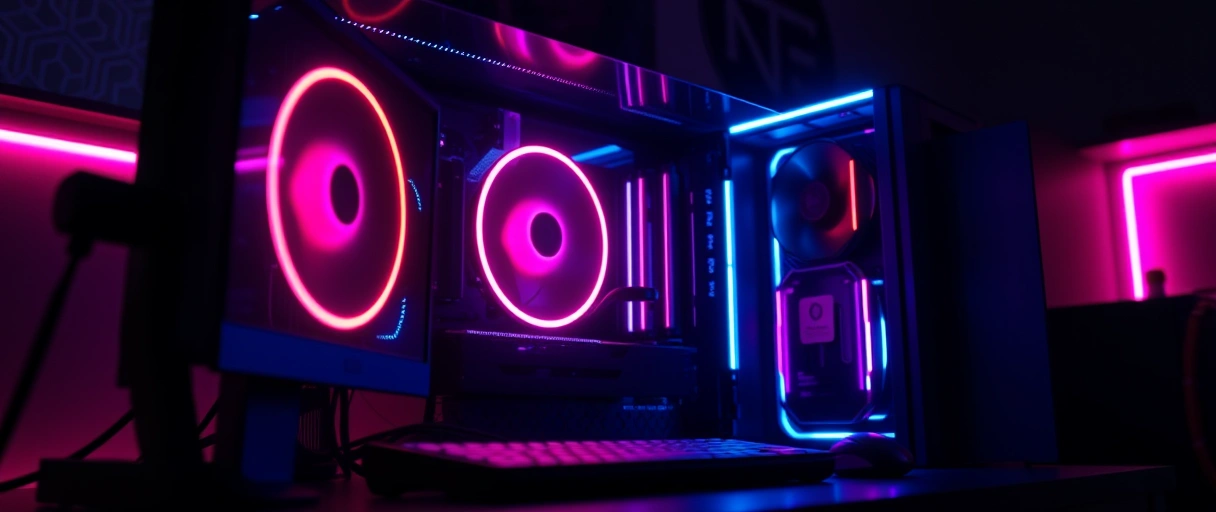
Choosing each component is walked through in how to pick gaming PC parts, and the errors that trip up first-time builders are listed in common gaming PC build mistakes. Together those four cover planning a build from the budget down to the last cable.
Performance: FPS, Upscaling, and Latency
Gaming performance is the frame rate, smoothness, and responsiveness a system delivers, and it is the thread connecting every part and setting. Frame rate, measured in frames per second, is the headline number: 60 FPS is the smooth baseline, 120 to 144 FPS is the sweet spot most players notice, and 240 FPS or more serves competitive play. The guides below explain the concepts that decide it.
- What FPS is in gaming, the frames-per-second number that defines smoothness.
- What a good FPS is, and how the 60, 120, and 240 FPS targets map to monitors.
- What causes FPS drops, the reasons a frame rate falls mid-game and how to find them.
- DLSS vs FSR vs XeSS, the upscaling technologies from Nvidia, AMD, and Intel compared.
- What frame generation is, the AI-inserted frames that raise the displayed FPS.
- What input lag is, the delay between your action and the response on screen.
Upscaling is now central to performance. Instead of rendering every pixel at full resolution, the GPU renders at a lower one and reconstructs the rest, which raises the frame rate. As of 2026, DLSS 4 and FSR 4 both use machine learning for that reconstruction, and frame generation can multiply the displayed frame rate further on supported cards.


Monitors and Display
A gaming monitor is the display that turns the rendered frames into the image you see, and its refresh rate sets the ceiling on smoothness. A high frame rate is wasted on a slow panel, and a fast panel is wasted without the frames to fill it, so the monitor and the graphics card should be chosen together. The display guides below cover the specifications that matter.
Tearing and stutter are fixed by adaptive sync, compared in G-Sync vs FreeSync. For image quality, what HDR gaming is covers contrast and color, while what 4K gaming is covers the resolution that demands the most from a graphics card.
Peripherals: Keyboard, Mouse, and Headset
Peripherals are the input and audio devices you play through, and they shape how a game feels as much as the parts inside the case. The right input depends on the genre, and the difference between a fast mouse and a slow one is felt every second. The peripheral guides below cover the choices.
- What a gaming keyboard is, the switches, rollover, and macros that set it apart.
- What a gaming mouse is, the sensor, DPI, and polling rate that decide its precision.
- What a gaming headset is, the audio, surround sound, and microphone for play and chat.
- Controller vs keyboard and mouse, which input suits which genre and why.
Games, Services, and Gaming Culture
The gaming ecosystem is the stores, subscriptions, genres, and communities that give the hardware a purpose. Where you buy games, whether you own or rent them, and the kinds of games you play all sit on top of the machine. The guides below cover that wider world.
Beyond single games, what esports is covers competitive play at scale, what VR gaming is covers immersive virtual reality, and the future of PC gaming looks at the trends shaping the next few years.
The 2026 PC Gaming Landscape
Two forces define PC gaming in 2026: AI upscaling has become central to performance, and the same AI boom has pushed hardware prices to record highs. Knowing both helps set realistic expectations before a build.
Despite the prices, the platform keeps growing. Steam set an all-time record above 42 million concurrent players in January 2026, the largest of several records that year, which is the clearest sign that PC gaming itself is healthy even while individual parts are costly.
How to Choose a Gaming PC
A gaming PC is chosen by setting the target resolution and refresh rate first, then matching the graphics card and the rest of the build to that target and a budget. The resolution and frame rate goal decides how much graphics power is needed, which sets the tier of every other part. The steps below order the decision.
- Set the target resolution and refresh rate, since 1080p, 1440p, and 4K each demand a different GPU tier.
- Choose the graphics card first, because it has the largest effect on gaming performance and budget.
- Match the processor to the GPU to avoid a CPU or GPU bottleneck.
- Decide between building and buying, weighed in the prebuilt versus custom comparison.
- Budget for the monitor and peripherals, which are part of the gaming system, not extras.
A first-time buyer who is unsure of the budget can start from the cost-by-tier breakdown and then follow the matching build guide for that tier.
Last Thoughts on PC Gaming
PC gaming rewards understanding over spending. A gaming PC is built around a dedicated graphics card, balanced so no single part holds the rest back, and tuned to a monitor whose refresh rate it can actually feed. From there, settings and upscaling turn raw hardware into a smooth, responsive image, and the wider ecosystem of stores, subscriptions, and genres decides what you play. Every topic above has its own focused guide, and the broad map here is meant to point you to the right one.
If you are starting out, three guides do the most work: what makes a gaming PC explains the parts that matter, how to pick gaming PC parts turns that into a component checklist, and is PC gaming worth it helps you decide whether the cost fits your goals before you commit.
Key Takeaways:
- PC gaming means playing on a computer built around a dedicated graphics card, with more control and a far larger game library than a console.
- The graphics card has the largest effect on gaming performance, but balance across parts matters more than any single component.
- Frame rate defines smoothness: 60 FPS is the baseline, 120 to 144 FPS the sweet spot, and the monitor’s refresh rate sets the ceiling.
- AI upscaling such as DLSS 4 and FSR 4 is now central to hitting high frame rates, especially at 4K.
- Hardware prices are high in 2026 because AI demand has driven up GPU and memory costs, so buying patiently pays off.
- The monitor and peripherals are part of the gaming system, and the right ones depend on the games you play.
Frequently Asked Questions (FAQs)
What is a gaming PC?
A gaming PC is a computer built around a dedicated graphics card, with a capable processor, fast memory, strong cooling, and a high-wattage power supply, so it can run games at high frame rates and resolutions. The graphics card does the heavy lifting and has the largest effect on gaming performance.
Should I build a gaming PC or buy one prebuilt?
Building gives the best value and full control over parts, while a prebuilt is faster to set up and comes assembled and warrantied. Building rewards research and a little patience; a prebuilt suits buyers who want a working machine on day one. Both reach the same performance if the parts match.
How much does a gaming PC cost in 2026?
An entry 1080p build, a mid-range 1440p build, and a high-end 4K build each target a different budget tier, with the graphics card taking the largest share. Prices in 2026 are higher than usual because AI demand has driven up the cost of GPUs and DDR5 memory, so the same performance costs more than it did a year ago.
What is a good FPS for gaming?
60 FPS is the smooth baseline, 120 to 144 FPS is the high-refresh sweet spot most players notice, and 240 FPS or more benefits competitive play. The frame rate should match the monitor’s refresh rate, because the refresh rate sets the ceiling and the frame rate decides how close you reach it.
What is DLSS and FSR?
DLSS (Nvidia), FSR (AMD), and XeSS (Intel) are upscaling technologies that render a game at a lower resolution and reconstruct it to a higher one, raising the frame rate. Frame generation goes further by inserting AI-made frames between rendered ones. As of 2026, DLSS 4 and FSR 4 both use machine learning for the reconstruction.
Is PC gaming better than console gaming?
A PC offers higher frame rates, free online play, mods, and a much larger game library across Steam, Epic, and GOG, while a console costs less upfront and is simpler to set up. The better choice depends on whether performance, flexibility, and library size or low cost and convenience matter more to you.
About the author

Nizam Ud DeenFounder and Tech Blogger
Muhammad Nizam Ud Deen Usman is the founder of theCoreiTech and the author of The Local SEO Cosmos. He has worked in search since 2014 as an SEO consultant for eCommerce stores and local businesses, specialising in eCommerce SEO, local SEO and technical SEO, and runs SEO Academy and the SEO Community from Multan, Pakistan. He also founded ORM Digital Solutions, a digital agency serving medium and large businesses, and holds a degree from the University of Education, Lahore (Multan Campus). Plerdy lists him among its Best 20+ SEO Experts in Pakistan. Nizam started theCoreiTech in 2012 to make computers easier to understand and use for everyone. More of his work is at nizamuddeen.com.
