
A gaming PC is defined by a dedicated graphics card and a set of components chosen to render real-time 3D games at high frame rates, which is what separates it from a regular PC built for documents and browsing. The pieces that matter are a strong GPU as the centerpiece, a fast multi-core CPU to feed it, 16 GB to 32 GB of DDR5 RAM, a fast NVMe SSD, an adequate power supply, and real cooling to hold clock speeds under load. No single part makes a PC a gaming PC on its own; the GPU is the biggest factor, but it only delivers its frame rate when the other components are balanced around it.
What Makes a PC a Gaming PC?
A gaming PC is a computer equipped with a dedicated graphics card and components selected to render real-time 3D games at high frame rates and resolutions. The difference from a regular PC is not one part but a balanced set, each chosen for rendering throughput rather than the lowest cost. The defining traits are listed below:
- A dedicated graphics card renders game frames on its own processor and video memory, separate from the CPU.
- A fast multi-core CPU prepares draw calls and game logic quickly enough to feed the GPU.
- 16 GB to 32 GB of DDR5 RAM supplies the CPU and GPU with game data and textures without stalling.
- A fast NVMe SSD shortens load times and streams textures without stutter.
- An adequate power supply and real cooling deliver the current the parts draw and hold their clock speeds under sustained load.
A gaming PC contrasts with a console, which uses fixed hardware in a sealed case, a comparison covered in the gaming PC versus console breakdown. Choosing each of these parts by tier is the subject of the guide to how to pick gaming PC parts.
What Are the Components That Matter in a Gaming PC?
Five components carry most of a gaming PC’s performance, and each one raises a different limit on frame rate. The cards below summarize what each part does for gaming before the sections that follow go deeper:
Why Is the Dedicated GPU the Single Biggest Factor?
The dedicated GPU is the single biggest factor in gaming performance because it renders every frame on its own processor and video memory, a job a regular PC’s integrated graphics cannot do at playable frame rates in modern titles. A graphics card packs thousands of parallel cores and gigabytes of dedicated video memory built to compute the color of every pixel many times per second. It differs from integrated graphics in three ways:
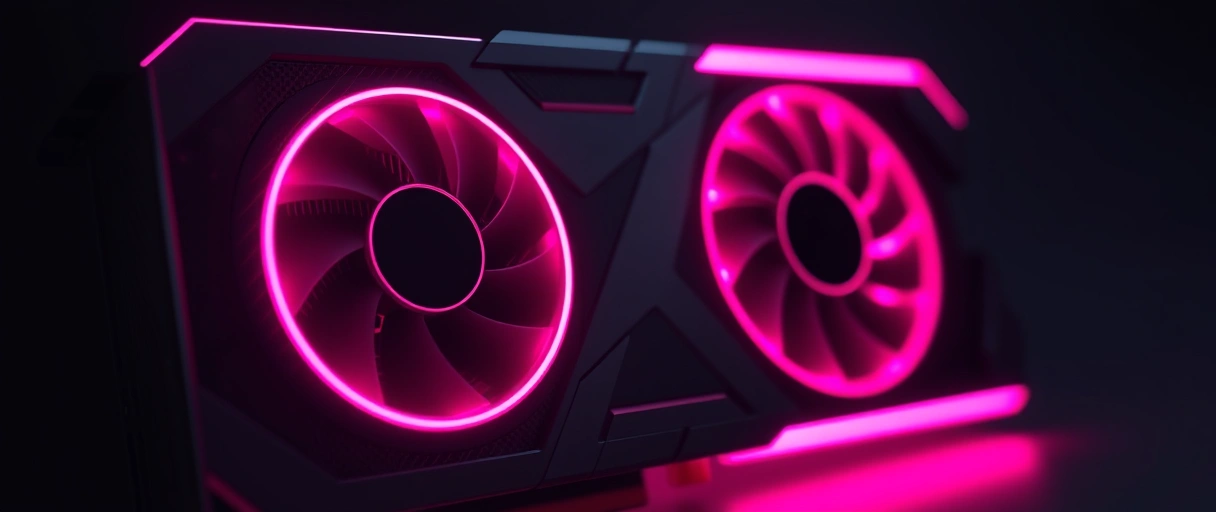
- Parallel rendering cores number in the thousands on a dedicated GPU, against a few hundred on integrated graphics.
- Dedicated video memory ranges from 8 GB to 32 GB on a gaming card, while integrated graphics borrow system RAM.
- A separate power and cooling budget lets a dedicated GPU draw 150 W to 450 W to sustain high clocks.
NVIDIA GeForce, AMD Radeon, and Intel Arc cards supply the rendering power that integrated graphics lack. The pipeline that turns geometry into the pixels you see, and the frame rate it produces, is the subject of what FPS in gaming means.
What Is the Current 2025 to 2026 Graphics Card Landscape?
Three graphics card generations define gaming through 2025 and 2026: NVIDIA RTX 50-series, AMD Radeon RX 9000-series, and Intel Arc Battlemage. Each launched across late 2024 and 2025, and together they cover budget 1440p cards up to a 32 GB flagship. The current lineups are:
- NVIDIA GeForce RTX 50-series (Blackwell): the RTX 5090 leads with 32 GB of GDDR7 memory, below it the RTX 5080, RTX 5070 Ti, and RTX 5070, launched from January 2025. They add DLSS 4 frame generation, and NVIDIA states the RTX 5090 roughly doubles the previous RTX 4090.
- AMD Radeon RX 9000-series (RDNA 4): the RX 9070 XT and RX 9070, launched March 2025, both ship with 16 GB of GDDR6 and target high-value 1440p and 4K gaming with improved ray tracing.
- Intel Arc B-series (Battlemage): the Arc B580 (12 GB) and B570 (10 GB) brought credible 1440p gaming to the budget tier from late 2024, undercutting comparable cards on price per frame.
Generous video memory is the common theme across the new budget and mid-range cards, which matters as modern games use more of it at higher resolutions. Picking a specific card by tier and budget is covered in how to pick gaming PC parts.
What CPU and RAM Does Gaming Demand?
Gaming demands a multi-core CPU with high single-thread speed and 16 GB to 32 GB of DDR5 RAM, since the processor prepares each frame’s draw calls and the memory holds the data the GPU renders. A regular PC runs office tasks on a slower chip and 8 GB of RAM, while a gaming PC needs faster parts so they never hold the graphics card back. The requirements are:


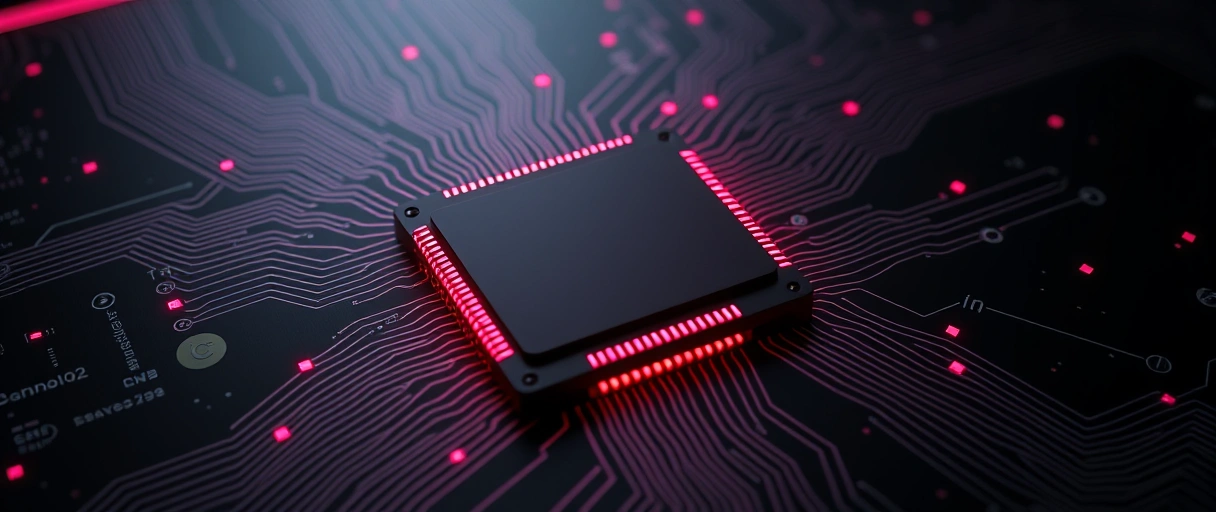
- Six to eight CPU cores handle game logic, physics, and draw-call preparation alongside background tasks.
- High single-thread clock speed sets the frame rate in CPU-bound games, since many engines lean on one main thread.
- 16 GB of RAM as a floor, 32 GB as the sweet spot, holds the operating system, the game, and background apps without swapping to storage.
- DDR5 in dual channels is now standard, since AMD AM5 and Intel LGA1851 platforms require it, and a DDR5-6000 kit is a common gaming choice because memory speed lifts frame rate.
A processor that cannot feed the GPU creates a CPU bottleneck, so a gaming CPU is paired with the graphics card by tier. The balance shifts with resolution: at 1080p a game is usually CPU-bound, while at 1440p and 4K it leans on the GPU. AMD Ryzen and Intel Core chips with high clocks and 6 to 8 cores are the common gaming picks, set out in how to pick gaming PC parts.
How Do Storage, Power, and Cooling Complete the Build?
A fast NVMe SSD, an adequate power supply, and real cooling are the supporting parts that let the GPU and CPU deliver their performance reliably. They do not raise peak frame rate the way a GPU does, but a weak one in this group causes long loads, crashes, or thermal throttling. What each contributes:
- NVMe SSD: a Gen4 drive reads at roughly 7 GB per second, loading levels in a fraction of a hard drive’s time and reducing texture-streaming stutter. Microsoft DirectStorage feeds assets to the GPU with less CPU overhead, and modern games run 50 GB to 150 GB each, so 1 TB or more is sensible.
- Power supply: a graphics card alone draws 150 W to 450 W, so a gaming PC commonly needs a 650 W to 1000 W unit with an 80 PLUS rating and the connectors the card requires, including 12VHPWR on recent high-end models. Sizing 20 to 30 percent above the maker’s figure leaves headroom.
- Cooling and airflow: rendering keeps the GPU and CPU near full load for hours, so a tower or liquid CPU cooler, multiple case fans, and a multi-fan graphics card keep clocks from throttling. A part that overheats slows itself down to stay safe, lowering frame rate.
These parts are sized to the GPU and CPU they support, not bought in isolation, and the system-level settings that further reduce stutter are a separate tuning step after the build is assembled.
How Should You Balance a Gaming Build?
Balance a build by sizing the GPU to your target resolution first, then matching every other part so nothing holds it back. A balanced PC almost always beats an unbalanced one with more raw parts on paper, since a single weak link caps the whole system. Think about it in this order:
- Pick a target resolution and frame rate. 1080p, 1440p, or 4K decides how much GPU you need and how much the CPU matters, since 1080p is more CPU-bound and 4K more GPU-bound.
- Choose the GPU to hit that target. The graphics card is the centerpiece, so size it first and give it the largest share of the budget.
- Match the CPU to the GPU. Pair a fast 6 to 8 core chip that can feed the card, so you avoid the 20 to 40 percent loss an unbalanced pairing causes.
- Fit 32 GB of DDR5 and a fast NVMe SSD. Memory and storage stop stutter and long loads without being the limit on frame rate.
- Size the PSU and cooling to the parts. Give the power supply headroom above the GPU’s rated draw and add cooling that holds clocks under sustained load.
The full part-by-part walkthrough, with how each tier pairs with the next, is the subject of how to pick gaming PC parts.
Last Thoughts on What Makes a Gaming PC
What makes a PC a gaming PC is a balanced set of components built for rendering throughput rather than the lowest cost: a dedicated GPU as the centerpiece, a fast multi-core CPU to feed it, 16 GB to 32 GB of DDR5 RAM, a fast NVMe SSD, an adequate power supply, and real cooling. The GPU is the single biggest factor and the part to size first, but it only delivers its frame rate when the CPU, memory, storage, power, and cooling are matched around it. Across 2025 and 2026 that GPU comes from the NVIDIA RTX 50-series, the AMD Radeon RX 9000-series, or the Intel Arc Battlemage range.
Understanding the parts is the first step; choosing and assembling them is the next. The PC gaming guide hub connects this to picking parts, comparing a gaming PC to a console, and reading the frame rate the hardware produces.
Key Takeaways:
- A gaming PC is a balanced set of components built for rendering, not a single part.
- The dedicated GPU is the single biggest factor in gaming performance, so size it first.
- A fast 6 to 8 core CPU must match the GPU, since an unbalanced pairing can cost 20 to 40 percent of performance.
- 16 GB of DDR5 RAM is the floor and 32 GB is the current sweet spot.
- A fast NVMe SSD cuts load times and stutter, while an adequate 80 PLUS power supply and real cooling keep the system stable under load.
- The current graphics card generations are NVIDIA RTX 50-series, AMD Radeon RX 9000-series, and Intel Arc Battlemage.
Frequently Asked Questions (FAQs)
What makes a PC a gaming PC?
A gaming PC is defined by a dedicated graphics card paired with a fast multi-core CPU, 16 GB to 32 GB of DDR5 RAM, a fast NVMe SSD, a higher-wattage power supply, and real cooling. The GPU is the single biggest factor, since it renders every frame on its own processor and video memory.
Is the GPU or the CPU more important for gaming?
The GPU is more important in most games, especially at 1440p and 4K, because it renders the frames. The CPU matters more at 1080p and in competitive or simulation titles. An unbalanced pairing can cost 20 to 40 percent of performance, so the two are matched by tier.
How much RAM does a gaming PC need in 2026?
16 GB of DDR5 is the working minimum and 32 GB is the current sweet spot. New platforms such as AMD AM5 and Intel LGA1851 require DDR5, and a dual-channel DDR5-6000 kit is the common gaming choice because memory speed lifts frame rate.
What graphics cards are current for gaming in 2026?
The current generations are NVIDIA GeForce RTX 50-series (Blackwell), AMD Radeon RX 9000-series (RDNA 4), and Intel Arc B-series (Battlemage), all launched across late 2024 and 2025. They span from budget 1440p cards to the RTX 5090 with 32 GB of GDDR7 memory.
Can you game without a dedicated graphics card?
Integrated graphics can run light or older games, but they cannot render demanding modern 3D titles at playable frame rates. A dedicated graphics card is the core requirement that turns a regular PC into a gaming PC.
What power supply does a gaming PC need?
A gaming PC commonly needs a 650 W to 1000 W unit with an 80 PLUS rating, sized above the GPU maker’s recommended wattage. Oversizing by 20 to 30 percent leaves headroom for spikes and a future upgrade, and high-end cards use the 12VHPWR connector.
About the author

Nizam Ud DeenFounder and Tech Blogger
Muhammad Nizam Ud Deen Usman is the founder of theCoreiTech and the author of The Local SEO Cosmos. He has worked in search since 2014 as an SEO consultant for eCommerce stores and local businesses, specialising in eCommerce SEO, local SEO and technical SEO, and runs SEO Academy and the SEO Community from Multan, Pakistan. He also founded ORM Digital Solutions, a digital agency serving medium and large businesses, and holds a degree from the University of Education, Lahore (Multan Campus). Plerdy lists him among its Best 20+ SEO Experts in Pakistan. Nizam started theCoreiTech in 2012 to make computers easier to understand and use for everyone. More of his work is at nizamuddeen.com.
