
AIO and custom water cooling are the two forms of liquid cooling for a computer, and the distinction sets cooling capacity, cost, installation effort, and maintenance. An AIO, short for all-in-one, is a sealed closed-loop cooler pre-filled at the factory with the pump, radiator, and tubing joined as one unit. A custom loop is a user-built open system that combines a separate reservoir, pump, water blocks, radiator, and tubing the builder assembles and fills.
What Is the Difference Between AIO and Custom Water Cooling?
The difference is that an AIO is a sealed, pre-filled, closed-loop unit installed as a single assembly, while a custom loop is a user-built open system of separate parts the builder assembles, fills, and maintains:
- AIO: the pump-and-coldplate block sits on the processor, two sealed tubes run to a radiator, and the coolant is filled at the factory – installation is mounting two parts.
- Custom loop: the builder selects a reservoir, a separate pump, a water block for each component, a radiator, fittings, and tubing, then routes and fills the loop.
- The trade: the AIO swaps expandability for simplicity; the custom loop swaps simplicity for capacity and flexibility. Both move heat from a component to a radiator through circulating coolant, the same conduction-to-radiator principle a CPU cooler uses.
Best for: an AIO suits a builder who wants liquid cooling finished out of the box; a custom loop suits one who wants to cool several parts or design the look of the loop.
What Is an AIO Cooler?
An AIO cooler is a sealed, factory-filled liquid cooler that combines the pump, coldplate, tubing, and radiator into one closed loop installed as a single unit:
- One sealed assembly: a pump-and-coldplate block on the processor, two sealed tubes, and a radiator with fans, circulating a fixed coolant volume the user never refills.
- Common sizes: 120, 240, 280, and 360 mm radiators, made by brands including Corsair, NZXT, Arctic, and EKWB.
- Fixed scope: the loop cannot expand because the coolant volume and block are set; nearly all consumer units cool the processor only, though a few models add a graphics-card block.
Best for: a build that wants liquid cooling performance without the assembly, cost, or maintenance of a custom loop.
What Is a Custom Water Cooling Loop?
A custom water cooling loop is a user-assembled open system that joins a separate reservoir, pump, one or more water blocks, a radiator, fittings, and tubing into a loop the builder fills and maintains:
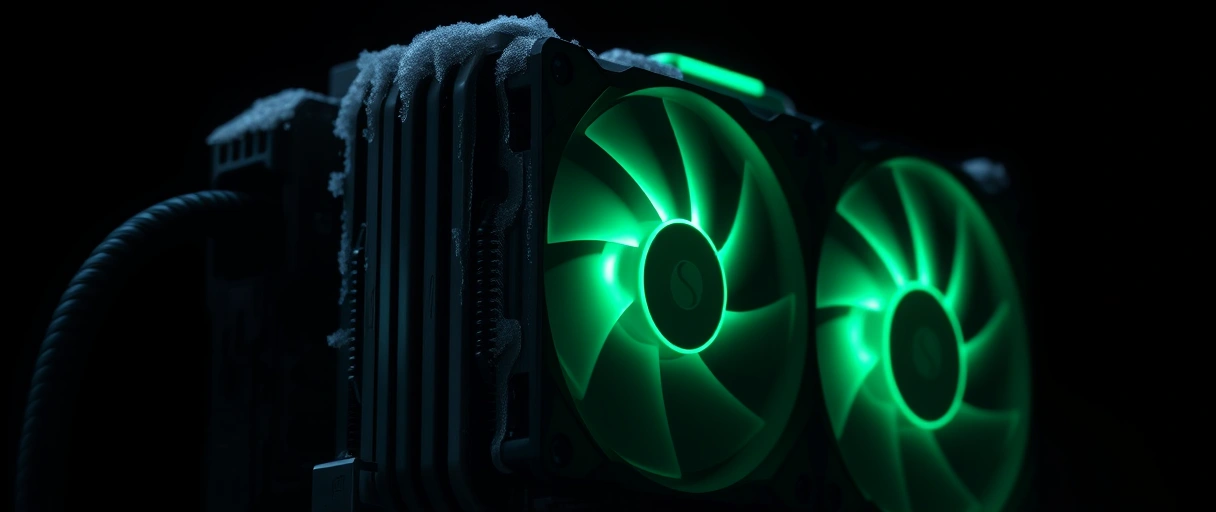
- Per-part control: the reservoir holds coolant, the pump circulates it, a water block sits on each cooled component, the radiator sheds the heat, and the tubing routes the path.
- Multi-component: it cools the processor and graphics card together, and can add a motherboard or memory block, by placing a block on each component in series.
- Builder choices: rigid or soft tubing, fitting types, and clear or colored coolant; component brands include EKWB, Alphacool, Bitspower, and Corsair.
Best for: a build that cools multiple high-power components or prioritizes a specific appearance. The open design demands periodic coolant changes and leak inspection.
Which Cools Better, AIO or Custom Water Cooling?
A custom water cooling loop cools better because it adds far more radiator surface area and coolant volume, and it cools the processor and graphics card on the same loop:
- More surface: a high-end AIO uses one 360 mm radiator (~720-1,080 mm), while a custom loop can run two or three radiators totaling that much or more, holding far more coolant.
- Lower coolant temperature: the larger surface keeps the coolant cooler under sustained load, which lowers the temperature delta over the processor.
- Direct GPU cooling: a full-coverage block pulls heat off the graphics card directly, which an air-cooled or AIO-cooled card cannot match.
How Much Do AIO and Custom Water Cooling Cost?
AIO and custom water cooling differ sharply in cost because an AIO is a single mid-priced unit, while a custom loop sums every separate part plus coolant and fittings, reaching three to five times the AIO figure:



AIO, one price
Custom, parts sum
Where it adds up
Best for: an AIO buys liquid cooling at a contained price; a custom loop is worth the higher spend when cooling capacity, multi-component coverage, or appearance justify it. The gap reflects parts count and labor, not a difference in the cooling principle.
How Much Effort Does Installation Take?
Installation effort differs greatly because an AIO mounts in two parts with no fluid handling, while a custom loop is assembled, routed, filled, and leak-tested across many separate components. The custom build runs roughly in this order:
- Plan the loop. Map the loop order, radiator positions, and tubing runs – the path determines fitting count and tube lengths.
- Assemble. Install a water block on each component, mount the radiators and reservoir, and cut and bend the tubing.
- Fit and route. Seat every fitting and connection along the planned path, soft or rigid.
- Fill and leak-test. Fill with coolant, run the pump alone for hours with components unpowered to check for leaks, then bleed trapped air.
- AIO: mount the pump block on the processor over thermal paste and screw the radiator to the case – most builders finish in 20 to 40 minutes with no coolant to handle.
- Custom loop: the steps above span several hours and need a leak test before the system is safe to power.
- Shared step: both rely on a clean coldplate contact, so applying thermal paste correctly matters either way.
Best for: an AIO suits a builder who wants a finished result in minutes; a custom loop is a project, not a simple install.
How Much Maintenance Does Each System Require?
Maintenance differs because an AIO needs near-zero upkeep over its service life, while a custom loop needs periodic coolant changes, leak inspection, and block cleaning:
- AIO: the loop is sealed and the coolant is never replaced – the only routine task is clearing dust from the radiator fins and fans.
- AIO end of life: the pump (rated about 70,000-100,000 hours) or coolant permeation reaches end of life at roughly 5 to 7 years, at which point the whole unit is replaced rather than serviced.
- Custom loop: drain and refresh the coolant every 6 to 12 months to prevent biological growth and corrosion, inspect and clean the blocks as fine fins collect sediment, and check fittings for seepage (dyed coolant needs more frequent attention).
What Is the Leak Risk of Each System?
Leak risk is low for an AIO and higher for a custom loop because an AIO is sealed and factory-pressure-tested, while a custom loop has many user-made fittings that each present a potential leak point:
- AIO: sealed and tested at the factory, so a leak is rare and usually means a manufacturing defect or end-of-life permeation – no user-made joints.
- Custom loop: the builder seats every fitting, seals every O-ring, and tightens every connection, and each of the many joints is a place a leak can begin.
- Mitigation: a custom loop is leak-tested with the pump running and components unpowered before first use; modern coolants are often non-conductive to limit damage, but a leak still requires immediate shutdown.
Best for: the leak risk follows the number of user-made connections – an AIO has none, a custom loop has many, and careful assembly plus a thorough leak test lowers the custom-loop risk substantially.
How Do Aesthetics and Expandability Compare?
Aesthetics and expandability favor the custom loop because it offers visible tubing, coolant color, lit blocks, and the ability to add components, while an AIO is fixed in appearance and cannot expand:
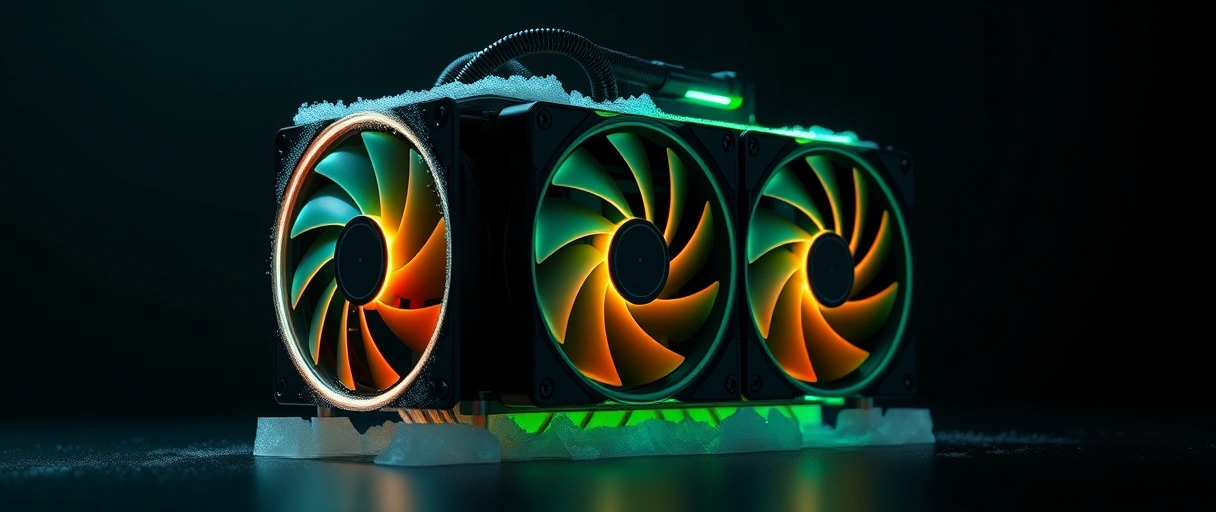
- Custom loop looks: rigid tubing in straight runs, clear or colored coolant, and full-coverage lit blocks make the cooling part of the visual design.
- Custom loop expands: a block for a new graphics card or a second radiator joins the existing loop.
- AIO is fixed: sealed tubing and a set radiator size cannot take on another component, because the coolant volume and pump are sized for the closed loop – though many AIOs add lighting on the pump cap and fans.
Best for: a build that values a specific cooling aesthetic or plans to add cooled components selects a custom loop.
How Does Radiator Size Affect Cooling?
Radiator size affects cooling because a larger radiator exposes more surface area to the case fans, dissipating more heat and lowering coolant temperature. The common classes differ in fan count and area:
240 mm
280 mm
360 mm
- Why bigger helps: a larger radiator keeps the coolant cooler at the same heat load, which lowers the processor temperature and lets the fans spin slower and quieter.
- Custom scaling: a custom loop combines multiple radiators for multi-component cooling, and the fans both systems mount follow radiator fan placement.
- Fit first: the case must support the radiator length and thickness before selection – surface area, not the liquid itself, sets how much heat the system removes.
AIO vs Custom Water Cooling Comparison
The table compares AIO and custom water cooling by cooling scope, relative cost, installation effort, maintenance, leak risk, and expandability:
| Attribute | AIO Cooler | Custom Water Cooling Loop |
|---|---|---|
| Cooling scope | Processor only in most units | Processor, graphics card, and more on one loop |
| Relative cost | Mid-range single price | Three to five times an AIO |
| Installation effort | 20-40 minutes, two parts | Several hours, assembled and filled |
| Maintenance | Near-zero, dust only | Coolant change every 6-12 months |
| Leak risk | Low, sealed and tested | Higher, many user-made fittings |
| Expandability | Fixed, cannot expand | Expandable with added blocks and radiators |
Last Thoughts on AIO vs Custom Water Cooling
AIO and custom water cooling both move heat with circulating coolant, but they suit different builds. An AIO is a sealed, factory-filled closed loop that installs in two parts, needs near-zero maintenance, and carries low leak risk at a mid-range price, making it the practical choice for cooling a single processor. A custom loop is a user-built open system that cools the processor and graphics card together, scales cooling capacity through added radiator surface, and offers full control over appearance and expandability, at three to five times the cost and with ongoing coolant changes and leak inspection.
Radiator size, in 240, 280, and 360 millimeter classes, sets the heat-rejection capacity of either system. The computer hardware guide connects this choice to the rest of the build, and the comparison of air and liquid cooling sets the baseline both liquid systems improve on.
Key Takeaways:
- AIO coolers are sealed, factory-filled closed loops installed in two parts with near-zero maintenance over a 5 to 7 year life.
- Custom water cooling loops are user-built open systems of separate parts that cool the processor and graphics card together.
- Cooling capacity scales higher on a custom loop through added radiator surface and multi-component blocks, while a single-CPU AIO matches a modest loop.
- Cost separates the two sharply, with a custom loop reaching three to five times the price of a comparable AIO.
- Maintenance and leak risk are low for a sealed AIO and ongoing for a custom loop that needs coolant changes and many sealed fittings.
- Radiator size of 240, 280, or 360 millimeters sets heat-rejection capacity, with larger radiators lowering coolant temperature and fan noise.
Frequently Asked Questions (FAQs)
Is custom water cooling better than an AIO?
A custom loop cools better when it adds radiator surface or cools multiple components, but a 360 millimeter AIO matches a modest single-CPU loop. The custom advantage grows with scope, not for one processor.
How much more does a custom loop cost than an AIO?
A custom water cooling loop commonly costs three to five times a comparable AIO, because it sums a separate reservoir, pump, blocks, radiators, fittings, tubing, and coolant rather than one sealed unit.
Does an AIO need maintenance?
An AIO needs near-zero maintenance because the loop is sealed and the coolant is never refilled. The only routine task is clearing dust from the radiator fins and fans over its 5 to 7 year life.
Are custom water cooling loops prone to leaking?
A custom loop carries higher leak risk than a sealed AIO because each user-made fitting is a potential leak point. A leak test with the pump running and components unpowered confirms a sealed loop before use.
What radiator size do I need for an AIO?
A 240 millimeter radiator suits a mid-power processor, while a 280 or 360 millimeter radiator suits a high-power or overclocked processor. Larger radiators lower coolant temperature and let fans run quieter.
Can an AIO cool a graphics card?
Most AIOs cool the processor only, because the sealed loop and block are fixed. A small number of dedicated GPU AIOs exist, but cooling both on one loop requires a custom water cooling system.
About the author

Nizam Ud DeenFounder and Tech Blogger
Muhammad Nizam Ud Deen Usman is the founder of theCoreiTech and the author of The Local SEO Cosmos. He has worked in search since 2014 as an SEO consultant for eCommerce stores and local businesses, specialising in eCommerce SEO, local SEO and technical SEO, and runs SEO Academy and the SEO Community from Multan, Pakistan. He also founded ORM Digital Solutions, a digital agency serving medium and large businesses, and holds a degree from the University of Education, Lahore (Multan Campus). Plerdy lists him among its Best 20+ SEO Experts in Pakistan. Nizam started theCoreiTech in 2012 to make computers easier to understand and use for everyone. More of his work is at nizamuddeen.com.
