
The boot process is the ordered sequence a computer runs from the moment you press the power button until the operating system is ready to use. It unfolds in six stages, and each stage must finish before the next begins, so a fault anywhere stops the machine at a predictable point.
What Is the Boot Process?
The boot process is the ordered sequence of hardware initialization, firmware execution, bootloader loading, and OS kernel startup that turns a powered-off computer into a working system. The headline numbers:
- Six stages: power delivery, CPU reset vector, POST, hardware enumeration, bootloader, then OS kernel and init.
- Cold boot: 10-30 seconds on a modern NVMe SSD, from button press to desktop.
- Warm boot: 5-15 seconds, because a restart skips power stabilization and often the memory test – it is one piece of how the whole PC starts up.
The 6 Stages of the Boot Process, in Order
The boot process runs as a strict sequence: each stage hands off to the next, and a failure stops the PC at that exact step. The full chain:
- 1. Power on. The PSU stabilizes its voltage rails and asserts POWER_GOOD; only then does the CPU come out of reset.
- 2. CPU reset vector. The CPU runs its first instruction from a fixed address and jumps into the firmware (BIOS/UEFI) on the motherboard chip.
- 3. POST. The firmware tests critical hardware (CPU, RAM, video, storage); a pass is usually one short beep, a failure is a beep code.
- 4. Hardware enumeration. The firmware identifies and initializes devices, trains the RAM, and builds the tables the OS will read.
- 5. Bootloader. The firmware finds the boot device and loads the bootloader (Windows Boot Manager or GRUB).
- 6. OS kernel and init. The bootloader loads the kernel, which starts drivers and services, then shows the login screen.
Stage 1: Power Delivery and PSU Stabilization
Power delivery is the first stage: it begins when you press the button and ends when the PSU outputs stable voltage rails.
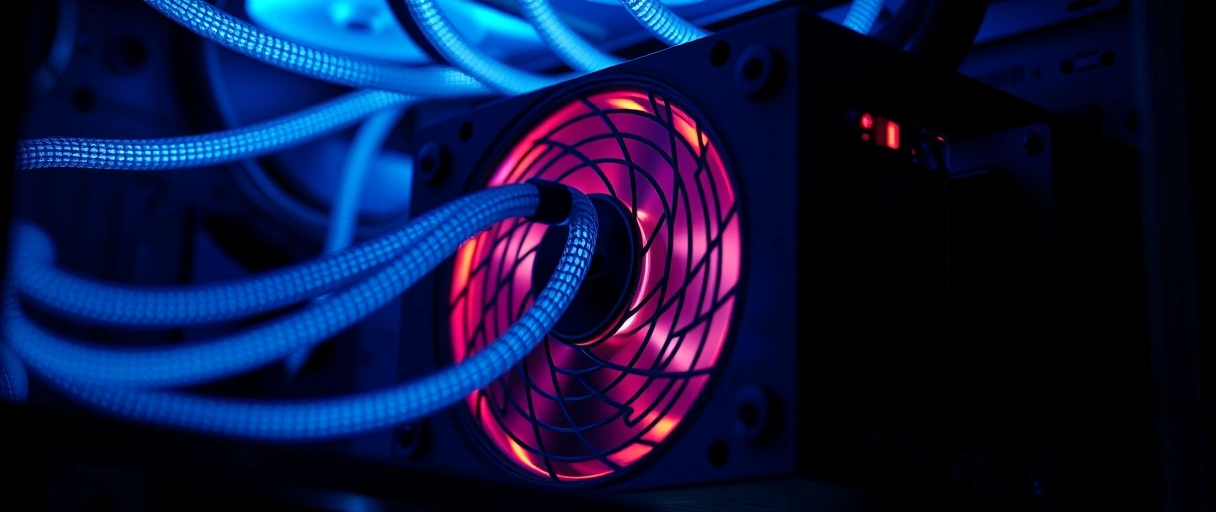
- The trigger: the front-panel button signals the motherboard’s super I/O chip, which switches the ATX PSU on via the PS_ON pin.
- Stabilize: the power supply takes 100-500 ms to steady its 12 V, 5 V, and 3.3 V rails, then asserts POWER_GOOD on the 24-pin connector.
- Why it matters: the board holds the CPU in reset until POWER_GOOD arrives, so the CPU never runs on unstable voltage. A failure here means no power or an instant shutdown.
Stage 2: CPU Reset Vector Execution
The reset vector is the second stage: the CPU runs its very first instruction from a hardcoded address that points into the firmware.
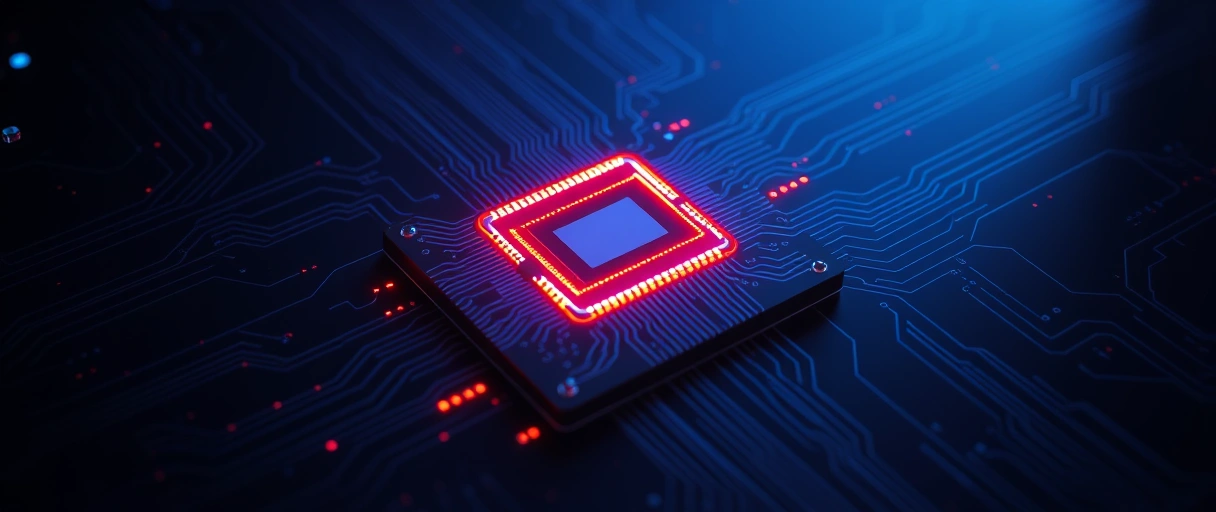
- The address: on x86 the reset vector is 0xFFFFFFF0, the top 16 bytes of the 32-bit address space.
- The jump: that instruction is a far jump into the BIOS/UEFI code stored in the motherboard’s flash ROM chip.
- No RAM yet: the firmware ROM is memory-mapped so the CPU can read it before RAM is initialized. A failure here gives no video and no beep codes.
Stage 3: POST (Power-On Self-Test)
POST is the third stage: the firmware verifies that critical hardware is present and working before it tries to load any OS. What POST does:
- Tests in sequence: CPU registers, ROM checksum, the timer (PIT) and DMA controllers, a write/read test on the first block of RAM, then the video subsystem.
- Signals the result: a healthy system POSTs in 1-3 seconds and usually gives a single short beep; a fault triggers a beep code (and often a 2-digit hex code on the board’s debug display).
- Beep codes map to parts: on AMI BIOS, 1 long + 2 short beeps = video failure; continuous short beeps = a RAM fault. Reseat or swap the flagged part.
Stage 4: BIOS/UEFI Hardware Enumeration
Enumeration is the fourth stage: the firmware identifies, configures, and initializes every connected device, and trains the memory.
- UEFI phases: modern firmware runs SEC (security), PEI (pre-EFI init), and DXE (driver execution) in turn.
- Memory training: during PEI the memory controller starts and trains the RAM – DDR4/DDR5 training adds 5-30 seconds on a first boot or after a CMOS clear, then later boots reuse the cached result.
- Drivers and tables: DXE loads firmware drivers for PCIe, storage, USB, and network, and builds the ACPI tables the OS reads. A failure shows up as missing storage or USB.
Stage 5: Bootloader Loading
The bootloader stage is the fifth step: the firmware finds the boot device and runs the first-stage bootloader from it. How the handoff works:
- UEFI / GPT: the firmware reads the EFI System Partition (a small FAT32 partition, ~100-500 MB) and runs an .efi file directly, such as bootmgfw.efi (Windows Boot Manager) or grubx64.efi (GRUB).
- Legacy BIOS / MBR: the firmware reads the first 512 bytes of the disk (the Master Boot Record); 440-446 bytes of that are bootstrap code, and the last two bytes must be 0x55AA or the disk is treated as not bootable.
- The chooser: Windows Boot Manager reads the BCD store and GRUB reads grub.cfg, showing a menu when more than one OS is installed. A failure here gives ‘No bootable device’.
POST
Bootloader
Kernel
Secure Boot
Stage 6: OS Kernel Loading and Init
Kernel loading is the sixth and final stage: the bootloader hands control to the OS kernel, which starts the rest of the system.

- Windows: the loader brings ntoskrnl.exe (the kernel) and hal.dll into RAM; the kernel starts the memory and I/O managers, loads drivers from the registry, then smss.exe and winlogon.exe show the login screen.
- Linux: GRUB loads the kernel image (vmlinuz) and the initrd; the kernel decompresses, mounts the root filesystem off the drive, and launches init (systemd, PID 1), which starts services in parallel.
- Timing: kernel-to-desktop is roughly 8-15 seconds on Windows and 5-12 seconds on Linux with an NVMe SSD. The login screen means booting is done.
Cold Boot vs Warm Boot
A cold boot starts from full power-off and runs all six stages; a warm boot is a restart that skips the slow early steps:
- Cold boot: power-on after a shutdown – RAM is empty, so it includes memory training and a full POST.
- Warm boot: a restart from the running OS – power stays up, training is often skipped, cutting 3-10 seconds off the start.
- Windows Fast Startup: on by default, it hibernates the kernel to disk at shutdown and restores it next time, so a ‘cold’ start finishes in ~5-8 seconds by skipping full kernel init.
What Causes Boot Failure at Each Stage?
Boot failures map to specific stages, so the stage that fails narrows the cause to one hardware or software area:
- Stage 1 (power): a failed PSU or bad connector – no power, or an instant shutdown. Check the 24-pin rails with a multimeter.
- Stage 2 (reset vector): a corrupt BIOS ROM or unseated CPU – no video, no beeps. Inspect socket pins; use BIOS Flashback.
- Stage 3 (POST): failed RAM or GPU – beep codes. Reseat or test one known-good stick.
- Stage 5 (bootloader): a corrupt MBR/EFI or wrong boot order – ‘No bootable device’. Run Startup Repair or bootrec /fixmbr.
- Stage 6 (kernel): corrupt OS files or a bad driver – blue screen or kernel panic. Boot Safe Mode, then System Restore.
| Stage | Common Failure Cause | Symptom |
|---|---|---|
| 1: Power delivery | Failed PSU, blown fuse, bad power connector | No power at all, immediate shutdown |
| 2: CPU reset vector | Corrupt BIOS ROM, dead CPU, unseated CPU | No video, no beep codes |
| 3: POST | Failed RAM, failed GPU, failed CPU | Beep codes, POST error codes on display |
| 4: Hardware enumeration | Failed storage controller, RAM training failure | System loops during POST, device not detected |
| 5: Bootloader | Corrupt MBR/EFI, wrong boot order, failed drive | “No bootable device” or “Boot failure” message |
| 6: Kernel loading | Corrupt OS files, failed driver, bad update | Blue screen (Windows), kernel panic (Linux) |
Last Thoughts on the Boot Process
The boot process is a fixed six-stage chain, and its real value is diagnostic: the point at which a PC stops tells you which part to suspect. No power is Stage 1, no video without beeps is Stage 2, beep codes are Stage 3, ‘No bootable device’ is Stage 5, and a blue screen or kernel panic is Stage 6. Of all the upgrades that change boot time, moving to an NVMe SSD shortens the bootloader and kernel stages more than anything else, while UEFI Fast Boot trims Stage 4 by reusing cached hardware results.
Key Takeaways:
- The boot process has six stages in order: power delivery, CPU reset vector, POST, hardware enumeration, bootloader, and OS kernel load.
- The x86 CPU runs its first instruction at 0xFFFFFFF0, a reset vector that jumps into the BIOS/UEFI ROM.
- POST tests CPU, RAM, video, and storage in 1-3 seconds; a pass is usually one beep, a failure is a beep code, and POST runs in full only on a cold boot.
- UEFI boots an .efi file from the EFI System Partition; legacy BIOS boots from the first 512 bytes (MBR) of the disk.
- Secure Boot is a UEFI feature that runs only signed, trusted boot code, blocking pre-OS malware.
- A warm boot (restart) and Windows Fast Startup skip slow early steps, so they reach the desktop faster than a full cold boot.
Frequently Asked Questions (FAQs)
What is the boot process in a computer?
The boot process is the 6-stage sequence from power-on to OS-ready state. Stages include PSU stabilization, CPU reset vector execution, POST, hardware enumeration, bootloader loading, and OS kernel initialization.
What is POST in the boot process?
POST (Power-On Self-Test) is Stage 3 of boot, where firmware checks CPU, RAM, GPU, and storage for faults. POST takes 1 to 3 seconds. Failures generate audible beep codes or 2-digit hex codes on the motherboard debug display.
What is the difference between BIOS and UEFI boot?
BIOS boots from the MBR (first 512 bytes of disk); UEFI boots from the EFI System Partition (FAT32 partition with .efi bootloader files). UEFI supports GPT disks over 2TB and enables Secure Boot; BIOS does not.
What is the CPU reset vector?
The CPU reset vector is address 0xFFFFFFF0, the hardcoded starting address where x86 CPUs execute their first instruction after power-on. This address maps to the BIOS/UEFI firmware ROM, not RAM.
Why does my computer take longer to boot after clearing CMOS?
CMOS clear erases saved memory training results, forcing the firmware to retrain RAM on the next boot. DDR4/DDR5 training takes 5 to 30 seconds. Subsequent boots use cached training data and return to normal duration.
About the author

Nizam Ud DeenFounder and Tech Blogger
Muhammad Nizam Ud Deen Usman is the founder of theCoreiTech and the author of The Local SEO Cosmos. He has worked in search since 2014 as an SEO consultant for eCommerce stores and local businesses, specialising in eCommerce SEO, local SEO and technical SEO, and runs SEO Academy and the SEO Community from Multan, Pakistan. He also founded ORM Digital Solutions, a digital agency serving medium and large businesses, and holds a degree from the University of Education, Lahore (Multan Campus). Plerdy lists him among its Best 20+ SEO Experts in Pakistan. Nizam started theCoreiTech in 2012 to make computers easier to understand and use for everyone. More of his work is at nizamuddeen.com.
