
GPU cooling is the set of parts and techniques that pull heat off a graphics card’s processor and memory so both stay within safe temperatures. A graphics card turns most of the power it draws into heat as it renders, and without a cooler the GPU would hit its thermal limit in seconds and cut its own clocks to protect itself. The cooling system pairs a metal heatsink with heat pipes or a vapor chamber and one or more fans, or on high-end cards a sealed liquid loop.
What Is GPU Cooling?
GPU cooling is the thermal system that conducts heat from the graphics processor and memory into a heatsink and releases it into the air or a liquid loop:
- The job: hold the die, the hotspot, and the memory below the limits where the card throttles or degrades.
- The parts: a baseplate on the die, heat pipes or a vapor chamber to move heat, a finned heatsink to release it, and fans (or a pump and radiator) to drive airflow.
- The path: die to baseplate, baseplate to pipes or chamber, pipes to fins, fans push air through the fins – the same conduction-then-convection chain a CPU cooler uses.
- The split: air cooling (fans over a heatsink) covers most cards; liquid cooling moves heat to a remote radiator on the hottest cards.
Why Do Graphics Cards Need Cooling?
Graphics cards need cooling because nearly all of the 115 to 575 watts a card draws converts to heat at the die, the memory, and the power circuitry:
- Power becomes heat: a mainstream card turns roughly 115 to 250 watts into heat; a flagship such as the RTX 5090 reaches a 575-watt board power, almost all of it heat.
- Tiny hot area: that power leaves a die smaller than a postage stamp, so heat flux is extreme and needs fast spreading.
- Three heat sources: the GPU die, the GDDR memory, and the voltage regulators (VRM) all need to be cooled, not just the main chip.
- No cooling, no clocks: left unchecked the card hits its thermal limit in seconds and throttles, so cooling is what lets it hold its rated speed.
How Does a GPU Heatsink Work?
A GPU heatsink works by conducting heat off the die, spreading it, and handing it to the air across a large finned surface:
- Contact. A copper baseplate or vapor-chamber floor sits on the GPU die through a thin layer of thermal paste that fills microscopic gaps.
- Spread. Heat pipes or a vapor chamber carry heat away from the small die and spread it across the whole heatsink so no single spot stays hot.
- Release. The heat reaches a stack of thin aluminium fins that give a large surface area for the heat to leave the metal.
- Airflow. Fans push air through the fin stack, carrying the heat off the card; the warm air then has to leave the case.
Heat pipes
Vapor chamber
Fin stack
What Are the Main Types of GPU Coolers?
The main GPU cooler types are open-air, blower, and liquid (AIO or hybrid) – they differ in how many fans they use and where the heat ends up:
Open-air (axial)
Blower
Liquid (AIO / hybrid)
Match the cooler to the case and the card. The bar chart below ranks them by how well they hold temperatures under sustained load:
- Open-air: best for a normal mid-tower with two or more case fans moving air through the chassis.
- Blower: best for small-form-factor cases, multi-GPU rigs, or builds with poor airflow, since it dumps heat outside.
- Liquid: best for the hottest flagship cards or quiet builds, and it leans on the same trade-offs as air versus liquid cooling on a CPU.
How Do Fan Curves and Zero-RPM Idle Work?
A fan curve and zero-RPM idle work by tying fan speed to GPU temperature so the card stays silent when cool and ramps up only when it heats:
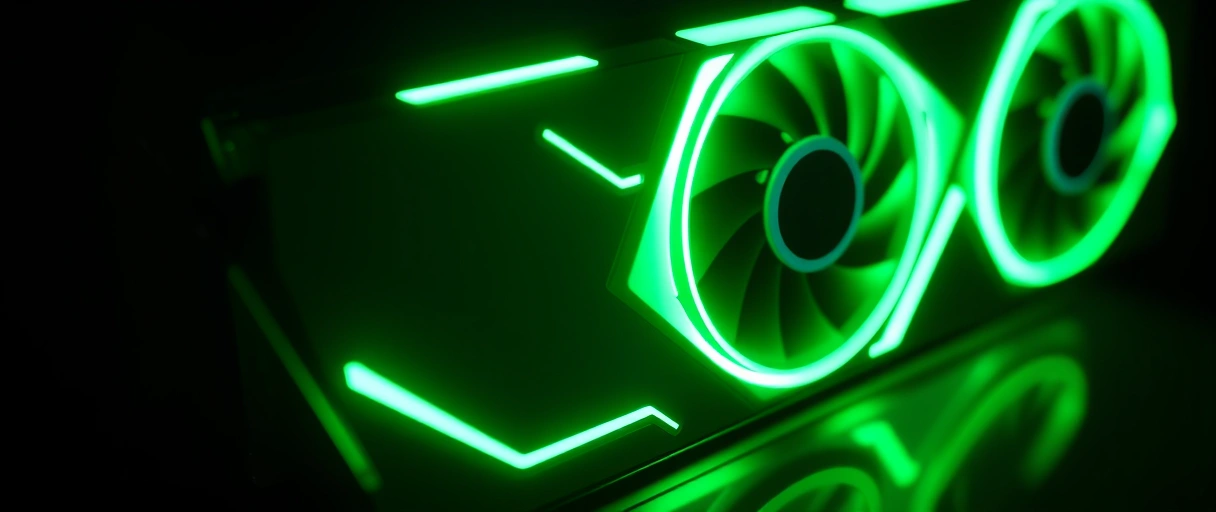
- Fan curve: a mapping of fan speed against temperature; the hotter the die, the faster the fans, trading noise for cooler temperatures.
- Zero-RPM idle: the fans stay fully off below a threshold (commonly around 50 to 60C), giving silent desktop and light use. Vendors brand it Zero Frozr, 0dB, or idle fan stop.
- Spin-up: once the die crosses the threshold the fans start, and they spin down again when the load ends.
- Custom curves: tools such as MSI Afterburner let you set your own curve, and pairing one with a few cooling tweaks cuts both temperature and noise.
What Is Thermal Throttling and What Are Safe GPU Temperatures?
Thermal throttling is the card automatically lowering its clocks and voltage when a sensor hits its temperature limit, which costs frame rate but protects the hardware:
- Core (edge) temperature: the main number; healthy gaming load sits at 60 to 80C, Nvidia cards start throttling near 83 to 84C and AMD near 90C.
- Hotspot (junction): the highest reading across the die’s sensors, running 10 to 20C above the core – it is the real thermal-limit indicator, so keep it under 90 to 95C.
- Memory junction: GDDR6X on RTX 40 cards runs hot and is safe up to about 95C with a hard limit near 110C; GDDR7 on RTX 50 cards reports about 88 to 90C under sustained load.
- Why it matters: a 70C core with a 105C hotspot or 100C memory is not healthy even though the main number looks fine.
How Do Thermal Paste and Thermal Pads Affect Cooling?
Thermal paste and thermal pads matter because they fill the microscopic air gaps between hot components and the cooler, and air gaps block heat:



- Thermal paste: a thin layer between the die and the baseplate that replaces insulating air with a conductive medium, exactly as it does when you apply paste to a CPU.
- Thermal pads: soft conductive pads that bridge the larger gaps from the memory chips and VRM to the heatsink, where paste would be too thin.
- It degrades: stock paste dries and pads compress over years, so an older card can run hotter until they are replaced.
- Liquid metal: some flagships, including the RTX 5090 Founders Edition, use liquid-metal paste for the best transfer, at the cost of harder, riskier application.
How Does Case Airflow Affect GPU Temperatures?
Case airflow affects GPU temperatures because an open-air cooler dumps its heat inside the case, so that heat has to be exhausted or it recirculates back through the card:
- Intake and exhaust: front and bottom fans feed cool air to the card while top and rear fans remove the heat it sheds, the balance covered in the case airflow guide.
- Recirculation: with weak airflow the warm air an open-air card exhausts gets pulled straight back in, raising temperatures over time.
- Cable and dust: blocked intakes and clogged filters choke airflow, so tidy routing and clean filters keep the card cooler.
- Blower exception: a blower card vents outside the case, so it depends far less on case airflow than an open-air card does.
GPU Cooler Type Comparison
The table compares open-air, blower, and liquid GPU coolers across fans, where the heat goes, noise, cooling strength, and the best use for each:
| Cooler Type | Cooling Performance | Noise | Exhaust Direction | Typical Use |
|---|---|---|---|---|
| Open-air (2-3 fans) | Strong | Low | Into the case | Most mid-range and high-end cards |
| Blower | Moderate | Higher | Out the rear bracket | Compact and multi-card builds |
| Hybrid / AIO liquid | Best | Lowest | Out a radiator | High-power flagship cards |
| Passive (no fans) | Limited | Silent | Into the case | Low-power cards only |
Last Thoughts on GPU Cooling
GPU cooling is the system that allows a graphics card to sustain its rated performance by keeping the die, hotspot, and memory within their temperature limits. The cooler conducts heat from the die through a baseplate into heat pipes or a vapor chamber, spreads it across finned surfaces, and uses fans or a liquid loop to carry it away. Open-air, blower, and liquid designs trade temperature, noise, and exhaust direction differently, while fan curves and zero-RPM idle balance noise against cooling.
Key Takeaways:
- GPU cooling transfers heat from the die and memory into the air through a heatsink, heat pipes or vapor chamber, and fans.
- Graphics cards generate heat because most of their 115 to 450 watts of power converts to heat at the die.
- Open-air coolers are strong and quiet but exhaust into the case, while blower coolers exhaust out the rear, and liquid coolers achieve the lowest temperatures.
- Zero-RPM idle stops the fans below about 50 to 60 degrees Celsius for silent operation at light load.
- Thermal throttling lowers clock speed at the temperature limit; a core under 83 degrees Celsius indicates healthy cooling.
- Case airflow directly affects GPU temperatures because open-air coolers depend on cool intake air and hot-air exhaust.
Frequently Asked Questions (FAQs)
What is a safe GPU temperature?
A core temperature under about 83 degrees Celsius under load indicates healthy cooling, with the hotspot under about 95 degrees Celsius. Nvidia and AMD set maximum junction limits near 100 to 110 degrees Celsius.
What is GPU thermal throttling?
Thermal throttling is the automatic reduction of GPU clock speed when a temperature sensor reaches its limit. It protects the silicon but lowers frame rates, signaling insufficient cooling or case airflow.
What is the difference between open-air and blower coolers?
Open-air coolers use axial fans that exhaust heat into the case, cooling well and quietly. Blower coolers use a radial fan that exhausts out the rear bracket, suiting compact builds but running louder.
Should I repaste my graphics card?
Repaste only when temperatures rise over years from dried thermal paste. Repasting voids some warranties and risks damage. Fresh paste fills gaps between the die and heatsink, restoring heat transfer.
Does case airflow affect GPU temperature?
Yes. Open-air coolers exhaust heat into the case, so poor ventilation raises the intake temperature the GPU draws from. Intake and exhaust fans lower GPU temperatures without changing the card.
Why does my GPU fan not spin at idle?
Many cards use a zero-RPM mode that stops the fans below about 50 to 60 degrees Celsius for silent idle operation. The fans spin up automatically as the GPU heats under load.
About the author

Nizam Ud DeenFounder and Tech Blogger
Muhammad Nizam Ud Deen Usman is the founder of theCoreiTech and the author of The Local SEO Cosmos. He has worked in search since 2014 as an SEO consultant for eCommerce stores and local businesses, specialising in eCommerce SEO, local SEO and technical SEO, and runs SEO Academy and the SEO Community from Multan, Pakistan. He also founded ORM Digital Solutions, a digital agency serving medium and large businesses, and holds a degree from the University of Education, Lahore (Multan Campus). Plerdy lists him among its Best 20+ SEO Experts in Pakistan. Nizam started theCoreiTech in 2012 to make computers easier to understand and use for everyone. More of his work is at nizamuddeen.com.
