
A server and a personal computer are both computers, but they are built for opposite jobs. A server is made to serve many people at once and never stop, so it adds reliability hardware (error-correcting memory, multiple drives, a backup power supply) and runs around the clock; a personal computer is made for one person doing one set of tasks at a desk, so it favours speed and price over redundancy.
What Is a Server?
A server is a computer built to run continuously and answer requests from many clients over a network at the same time:
- Job: hosts websites, databases, email, file shares, and virtual machines for lots of users.
- Always on: designed to run 24/7/365 with minimal unplanned downtime.
- Built for reliability: Intel Xeon or AMD EPYC CPUs, ECC memory, hot-swap storage, and redundant power and network.
- Best for: any service other people depend on, where downtime or data loss is costly.
What Is a Personal Computer?
A personal computer (PC) is a general-purpose computer for one person doing interactive tasks at a desk:
- Job: browsing, office work, media, and gaming for a single user.
- On when needed: turned off or asleep when you are not using it, not built for unattended 24/7 service.
- Consumer parts: a Core or Ryzen CPU, non-ECC DDR5, a single NVMe drive, one PSU, and one network port.
- Best for: everyday personal computing where speed and price matter more than redundancy.
Servers vs Personal Computers: The Core Difference
The core difference is who the machine serves and for how long, which then dictates the hardware:
Many users, always on
One user, when needed
Reliability vs speed
Difference 1: CPU – Many Cores vs Fast Cores
Servers favour many cores for concurrency; PCs favour fewer, faster cores for one task at a time:
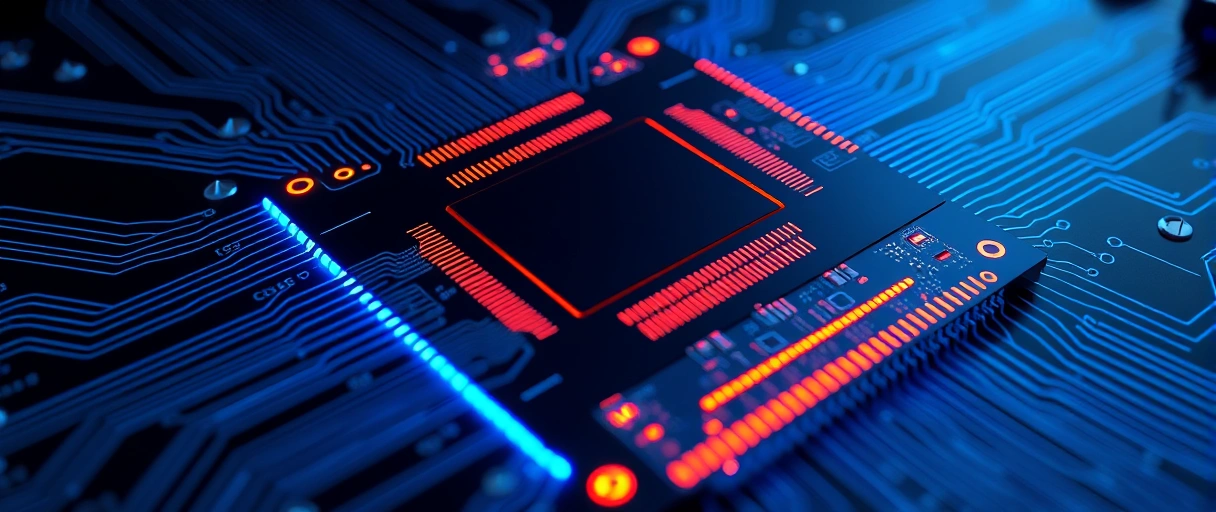
- Server CPUs (Intel Xeon, AMD EPYC): huge core counts – AMD EPYC 9754 has 128 cores / 256 threads per socket, and dual-socket boards double that.
- 2026 ceilings: AMD EPYC “Venice” reaches 256 cores and Intel Diamond Rapids up to 192, because servers handle many requests in parallel.
- PC CPUs (Core i9, Ryzen 9): fewer cores but boost to higher single-core speeds (5.7-6.2 GHz) for snappy interactive work, with no ECC and no multi-socket.
- Best for: cores win when many users share the machine; clock speed wins when one person waits on one task.
Difference 2: RAM – ECC vs Consumer DDR5
Servers use error-correcting memory in much larger amounts; PCs use cheaper non-ECC RAM:
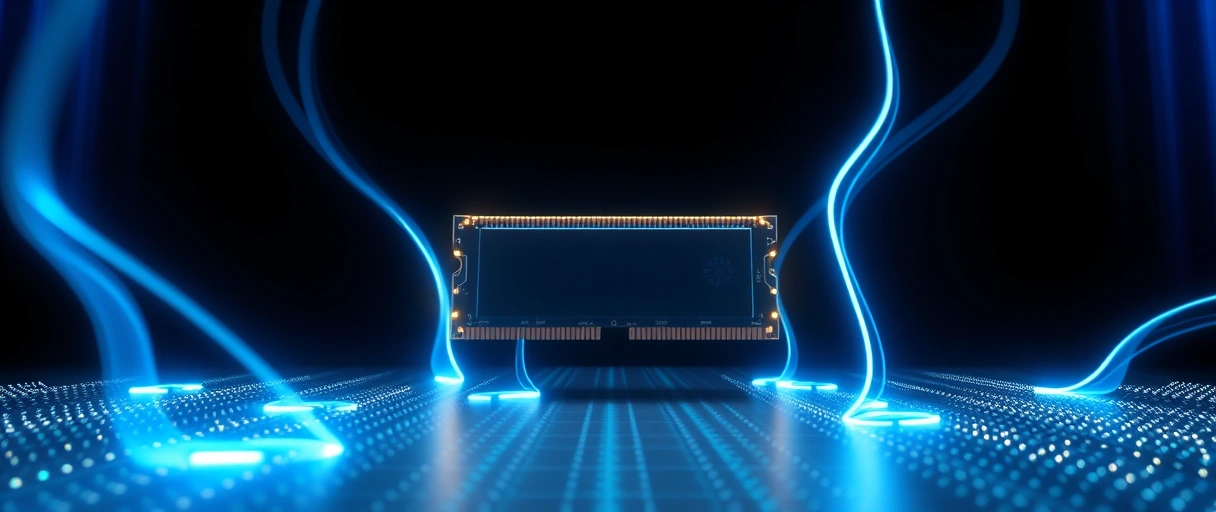
- ECC RAM detects and fixes single-bit memory errors in real time, preventing silent data corruption and crashes (see ECC vs non-ECC RAM).
- Capacity: a dual-socket EPYC 9754 server takes up to 6 TB of DDR5 ECC RDIMM; a consumer board (Z790, X670E) caps near 192 GB across 4 slots, no ECC.
- Why it matters: on a database server, one uncorrected bit flip can corrupt a whole record, so ECC is non-negotiable.
- Best for: ECC for always-on multi-user workloads; non-ECC is fine for a single-user PC.
Difference 3: Storage – RAID and Hot-Swap
Servers use multiple drives in RAID with hot-swap bays; PCs usually run a single drive:
- RAID mirrors or stripes several drives so one drive failure does not stop the system (see RAID levels explained) – RAID 6 survives two failed drives at once.
- Hot-swap: a 2U server holds up to 24 hot-swap NVMe/SAS drives you can replace without powering down; a hardware RAID controller adds redundancy.
- PCs: typically one internal drive (sometimes a backup), and you must shut down to swap it; software RAID exists but lacks a controller’s cache protection.
- Best for: RAID + hot-swap when data must stay available; a single fast drive is enough for personal use.
Difference 4: Redundancy – Dual PSU and NIC
Servers duplicate the parts most likely to fail so one failure does not cause an outage:
- Dual PSU: a server runs two hot-plug power supplies (N+1) – if one fails, the second carries the full load instantly (see how power supplies work).
- Dual NIC: two bonded 10-25 GbE network ports keep the server online if one port or switch fails.
- PCs: ship with a single PSU and a single network port – a PSU failure halts the machine immediately, with no failover.
- Best for: redundancy where uptime is mandatory; a single PSU is acceptable on a personal machine.
Difference 5: Chassis – Rack-Mount vs Tower
Servers are built to slot into data-center racks; PCs sit on or under a desk:

- Rack units: server height is measured in U (1U = 44.5 mm); a 1U/2U server fits a standard 19-inch rack, and a 42U rack holds many servers in roughly 1.8 m.
- Management built in: servers add out-of-band remote management (iDRAC/iLO), front-panel diagnostics, and redundant fans.
- PC towers: range from ~10 L mini-ITX to ~60 L full towers, designed for a desk – not a rack.
- Best for: racks for dense, remotely managed fleets; towers for a single workstation.
Difference 6: Operating System and Headless Management
Servers run a server operating system and are usually headless; PCs run a consumer OS with a screen and keyboard:
- Server OS: Windows Server 2025, RHEL 9, Ubuntu Server 24.04 LTS, or VMware ESXi – with domain services, hypervisors, and server roles (DNS, DHCP, web, database).
- Headless: most servers have no monitor, keyboard, or GUI attached; admins manage them remotely over the network or command line, saving resources for serving. Cloud servers are headless by design.
- Consumer OS: Windows 11, macOS, or Ubuntu Desktop – built around one interactive user, and licensing often forbids commercial hosting.
- Best for: a server OS for unattended service; a desktop OS for hands-on personal use.
Common Types of Servers
Servers are usually named by the role they serve, and one physical server can run several roles:
Web server
File server
Database server
Other common roles include mail servers, application servers, proxy servers, and DNS servers. A personal computer can run any of this software for learning or a home lab, but without the redundancy hardware above it is not a production server.
Difference 7: Uptime and Reliability Standards
Servers are held to formal uptime targets; PCs have none:
- Five nines: enterprise servers target 99.999% uptime – about 5.26 minutes of downtime a year – using redundant hardware, ECC, hot-swap parts, and UPS backup.
- Tier IV data centers push to 99.9999% (around 31 seconds a year).
- PCs: have no uptime target, lower-MTBF parts, and reboot for updates whenever needed.
- Best for: servers when an outage costs money; PCs where the odd restart is harmless.
Difference 8: Cost
Servers cost more upfront and over their life because reliability is not free:
- PCs: roughly $300 (budget office) to $3,000 (enthusiast/workstation).
- Entry servers: start around $2,000 (a small tower server); mid-range rack servers run about $8,000-$15,000 configured.
- High-end: dense GPU servers can exceed $300,000, and total cost adds rack space, cooling, redundant power, and 24/7 support contracts.
- Best for: pay for a server only when many users depend on it; a PC is far cheaper for personal use.
Servers vs Personal Computers: Full Comparison
The table compares servers and personal computers across CPU, memory, storage, power, network, chassis, OS, uptime, and cost:
| Specification | Server | Personal Computer |
|---|---|---|
| CPU | Xeon Scalable / AMD EPYC (up to 128 cores/socket) | Core i9 / Ryzen 9 (up to 24 cores, higher single-core GHz) |
| Max RAM | 6 TB DDR5 ECC RDIMM (dual-socket) | 192 GB DDR5 non-ECC |
| ECC support | Yes (mandatory) | No (consumer platforms) |
| Storage | 24× hot-swap NVMe/SAS, hardware RAID | 2–4 drives, software RAID only |
| PSU | Dual redundant hot-plug (N+1) | Single non-redundant |
| NIC | Dual 10–25 GbE (LACP bonding) | Single 1–2.5 GbE |
| Chassis | 1U–4U rack-mount (19-inch standard) | Tower 10–60 L (desktop) |
| OS | Windows Server 2025 / RHEL / ESXi | Windows 11 / macOS / Ubuntu Desktop |
| Uptime target | 99.999% (5.26 min/year downtime) | No formal target |
| Entry cost | ~$2,000 | $300–$3,000 |
Last Thoughts on Servers vs Personal Computers
Servers and personal computers share the same basic architecture but are built for opposite jobs: a server serves many clients reliably and continuously, while a PC serves one person interactively. That single difference in role is why servers add ECC RAM, RAID storage, dual power supplies, a server OS, and an uptime target, while a PC does without them to stay fast and affordable.
A personal computer can run server software for learning or a home lab, but it lacks the hardware redundancy and uptime guarantees a production service needs. Match the machine to the job: a server when other people and their data depend on it, a PC when the work is your own.
Key Takeaways:
- Server CPUs (AMD EPYC 9754) reach 128 cores/socket; consumer CPUs (Core i9-14900K) boost higher per core at 6.2 GHz but offer no ECC support.
- Servers support up to 6 TB ECC DDR5 per dual-socket system; consumer PCs cap at 192 GB non-ECC.
- Servers use dual redundant hot-plug PSUs in N+1; consumer PCs use a single non-redundant PSU.
- Enterprise server uptime targets 99.999% (5.26 minutes downtime per year); consumer PCs have no uptime requirement.
- Entry server cost is approximately $2,000; consumer PCs range from $300 to $3,000.
- Servers run Windows Server 2025, RHEL, or ESXi, OS versions with domain controller, hypervisor, and server-role capabilities absent from consumer Windows 11.
Frequently Asked Questions (FAQs)
What is the main difference between a server and a personal computer?
Servers are designed for continuous multi-client operation with ECC RAM, redundant PSUs, and hot-swap storage. Personal computers are designed for single-user interactive use without hardware redundancy or an uptime target.
How much RAM can a server hold compared to a desktop?
A dual-socket AMD EPYC 9754 server holds up to 6 TB DDR5 ECC RDIMM. A consumer desktop (Intel Z790, AMD X670E) holds a maximum of 192 GB DDR5 non-ECC across 4 DIMM slots.
Can a personal computer be used as a server?
A personal computer can run server software (Apache, MySQL, Windows Server roles) but lacks ECC RAM, dual PSU redundancy, and hot-swap storage. It is suitable for development or home lab use, not production enterprise workloads.
What uptime does a server guarantee?
Enterprise servers target 99.999% uptime, allowing a maximum of 5.26 minutes downtime per year. Tier IV data centers guarantee 99.9999%, approximately 31 seconds per year maximum downtime.
How much does an entry-level server cost?
Entry-level servers start at approximately $2,000 (Dell PowerEdge T150 with Xeon E-2400). Mid-range rack servers cost $8,000–$15,000. Consumer desktops range from $300 to $3,000.
About the author

Nizam Ud DeenFounder and Tech Blogger
Muhammad Nizam Ud Deen Usman is the founder of theCoreiTech and the author of The Local SEO Cosmos. He has worked in search since 2014 as an SEO consultant for eCommerce stores and local businesses, specialising in eCommerce SEO, local SEO and technical SEO, and runs SEO Academy and the SEO Community from Multan, Pakistan. He also founded ORM Digital Solutions, a digital agency serving medium and large businesses, and holds a degree from the University of Education, Lahore (Multan Campus). Plerdy lists him among its Best 20+ SEO Experts in Pakistan. Nizam started theCoreiTech in 2012 to make computers easier to understand and use for everyone. More of his work is at nizamuddeen.com.
