
The binary number system uses only two digits, 0 and 1, to represent every value a computer stores or processes. Each 0 or 1 is a bit, the smallest unit of data, and computers run on binary because their hardware is built from tiny switches that are either on or off.
What Is the Binary Number System?
The binary number system is a base-2 way of writing numbers using only two symbols: 0 and 1:
- Bit: each single 0 or 1 is called a bit (short for binary digit), and it is the smallest piece of data a computer handles.
- Base-2: each position is worth a power of 2, the same way each position in decimal (base-10) is worth a power of 10.
- It stores everything: text, images, audio, and programs are all kept as long strings of 0s and 1s under the surface.
Best for grasping the rest of this guide: remember that 0 and 1 are all you ever get, and meaning comes from the position of each bit.
Why Do Computers Use Binary?
Computers use binary because the transistors inside CPUs and memory chips are switches with exactly two stable states: on (1) and off (0):
- Matches the hardware: current flowing through a transistor means 1, no current means 0, so the number system fits the physical parts perfectly.
- Two states are reliable: a signal is either clearly on or clearly off, which removes the guesswork (and errors) that 10 different voltage levels would create.
- Simple, cheap, fast: two-state circuits keep the hardware simple and let designers pack billions of switches onto one chip.
What Are Bits, Nibbles, and Bytes?
Bits are grouped into standard chunks, and a chunk of n bits can hold 2 to the power n different values:
Bit
Nibble
Byte
Best for everyday use: the byte is the unit you see most, because file and memory sizes (KB, MB, GB) are all counted in bytes.
How Does Positional Notation Work in Binary?
In binary, each bit position is worth a power of 2, starting at 1 on the right and doubling with every step to the left:
- The pattern: 1, 2, 4, 8, 16, 32, 64, 128 from right to left across the eight bits in one byte.
- Reading a number: add up the place values wherever a bit is 1. So 1101 = 8 + 4 + 0 + 1 = 13.
- The maximum: 11111111 turns on every bit, giving 128 + 64 + 32 + 16 + 8 + 4 + 2 + 1 = 255, the largest value in one byte.
How to Convert Binary to Decimal
To convert binary to decimal, multiply each bit by its place value and add the results. Take 1101:
- Bit at position 3: 1 x 8 = 8
- Bit at position 2: 1 x 4 = 4
- Bit at position 1: 0 x 2 = 0
- Bit at position 0: 1 x 1 = 1
- Add them up: 8 + 4 + 0 + 1 = 13, so 1101 = 13 decimal.
Best for longer numbers: 10110101 works the same way, 128 + 32 + 16 + 4 + 1 = 181 decimal.



How to Convert Decimal to Binary
To convert decimal to binary, divide the number by 2 over and over, write down each remainder, then read the remainders from bottom to top. Here is 13 step by step:

- 13 / 2 = 6 remainder 1 (this is the rightmost bit)
- 6 / 2 = 3 remainder 0
- 3 / 2 = 1 remainder 1
- 1 / 2 = 0 remainder 1 (this is the leftmost bit)
- Read remainders bottom to top: 13 decimal = 1101 binary.
Best for checking your work: 1101 reads back as 8 + 4 + 1 = 13, which matches the number you started with.
How Does Binary Addition Work?
Binary addition uses four simple rules, and a carry whenever two 1s meet:
- 0 + 0 = 0 and 0 + 1 = 1 and 1 + 0 = 1, no carry needed.
- 1 + 1 = 10, write 0 and carry 1 to the next column, exactly like carrying the 1 in decimal.
- Worked example: 1011 (11) + 0110 (6) adds column by column to give 10001 = 17 decimal.
How Are Negative Numbers Represented in Binary?
Most computers store negative whole numbers using two’s complement, so one circuit can handle both adding and subtracting:
- Start with the positive value: +13 in 8 bits is 00001101.
- Invert every bit: flip each 0 to 1 and each 1 to 0, giving 11110010.
- Add 1: 11110010 + 1 = 11110011, which is -13.
- The sign bit: the leftmost bit is 1, which marks the number as negative.
Best to remember: in an 8-bit signed number the range is -128 to +127, and bit 7 (worth 128) acts as the sign bit.
How Does Binary Represent Text?
Binary represents text by mapping each character to a number through an encoding standard, then storing that number in binary:
- ASCII: the letter A = 65 = 01000001, B = 66 = 01000010, and lowercase a = 97 = 01100001.
- Unicode: extends the idea to 149,813 characters so almost every language and emoji has a code.
- Backward compatible: A still equals 65 in Unicode, so older ASCII text keeps working.
How Is Binary Used in Memory Addressing?
Binary directly sets how much memory a processor can reach, because every memory address is itself a binary number:
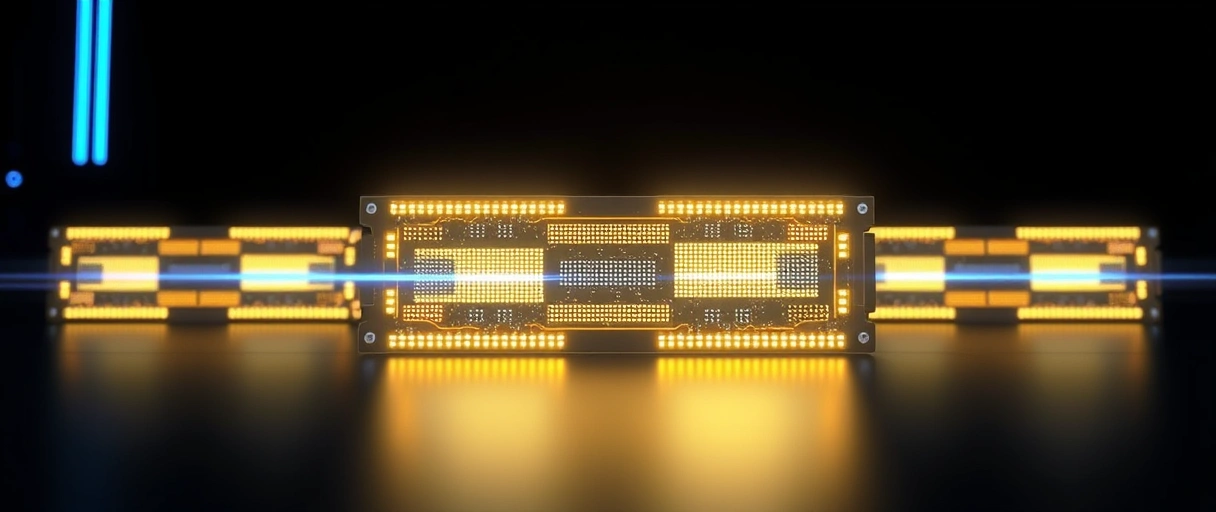
- 32-bit: a 32-bit address bus reaches 2^32 = 4,294,967,296 locations, which is 4 GB of addressable RAM.
- 64-bit: a 64-bit bus could in theory reach 2^64 bytes (18.4 exabytes), though current hardware caps this at 256 TB.
- How it works: the CPU puts a binary address on the address bus to pick exactly which memory cell to read or write.
Binary vs Decimal vs Hexadecimal: Place Value Comparison
This table compares how fast the place values grow in binary (base-2), decimal (base-10), and hexadecimal (base-16):
| Position | Binary (Base-2) Value | Decimal (Base-10) Value | Hex (Base-16) Value |
|---|---|---|---|
| Position 0 | 2⁰ = 1 | 10⁰ = 1 | 16⁰ = 1 |
| Position 1 | 2¹ = 2 | 10¹ = 10 | 16¹ = 16 |
| Position 2 | 2² = 4 | 10² = 100 | 16² = 256 |
| Position 3 | 2³ = 8 | 10³ = 1,000 | 16³ = 4,096 |
| Position 4 | 2⁴ = 16 | 10⁴ = 10,000 | 16⁴ = 65,536 |
| Position 7 | 2⁷ = 128 | 10⁷ = 10,000,000 | 16⁷ = 268,435,456 |
Last Thoughts on the Binary Number System
Binary is the native language of all digital hardware. Every number, character, image, and instruction a CPU handles exists as a string of 0s and 1s mapped to transistor states. Once the place-value pattern (1, 2, 4, 8, 16…) clicks, converting between binary and decimal, adding binary numbers, and reading two’s complement all become straightforward.
Key Takeaways:
- Binary is a base-2 system using only 0 and 1; each bit position is a power of 2.
- Computers use binary because transistors have exactly two states: on (1) and off (0).
- Read binary to decimal by adding the place values where a bit is 1 (1101 = 8 + 4 + 1 = 13).
- Convert decimal to binary by dividing by 2 repeatedly and reading the remainders bottom to top.
- Bits group into nibbles (4 bits, 16 values) and bytes (8 bits, 256 values).
- Negative numbers use two’s complement: invert all bits, then add 1.
Frequently Asked Questions (FAQs)
What is binary in simple terms?
Binary is a number system that uses only 0 and 1. Computers use it because transistors have two electrical states: on (1) and off (0). All data, text, images, programs, reduces to sequences of 0s and 1s.
What is 1101 in binary as a decimal number?
1101 binary equals 13 decimal. Calculation: 1×8 + 1×4 + 0×2 + 1×1 = 8 + 4 + 0 + 1 = 13.
How many values can 8 bits hold?
8 bits can hold 256 unique values (2⁸ = 256), ranging from 0 to 255 in unsigned representation, or −128 to +127 in signed two’s complement.
Why is binary used instead of decimal in computers?
Binary maps directly to transistor states (on/off). Decimal would require 10 distinct voltage levels per digit, making circuits physically unreliable at nanometer scale. Two-state circuits are faster and less error-prone.
What is two’s complement?
Two’s complement is a binary method for representing negative integers. To negate a number: invert all bits, then add 1. It allows the CPU to perform both addition and subtraction with one circuit.
About the author

Nizam Ud DeenFounder and Tech Blogger
Muhammad Nizam Ud Deen Usman is the founder of theCoreiTech and the author of The Local SEO Cosmos. He has worked in search since 2014 as an SEO consultant for eCommerce stores and local businesses, specialising in eCommerce SEO, local SEO and technical SEO, and runs SEO Academy and the SEO Community from Multan, Pakistan. He also founded ORM Digital Solutions, a digital agency serving medium and large businesses, and holds a degree from the University of Education, Lahore (Multan Campus). Plerdy lists him among its Best 20+ SEO Experts in Pakistan. Nizam started theCoreiTech in 2012 to make computers easier to understand and use for everyone. More of his work is at nizamuddeen.com.
